A little more expressive
Big feelings.
Tiny replies.
For the message that deserves more than “lol.” Find your feeling, add a little you, and send it.
✓ Free to use✓ No account✓ Clean PNGs
Me after one productive email.
Emotionally? A tiny victory.
Original artwork, made for real conversations.No account · No watermark · Free PNG export
A reaction for that.
24 original illustrations. Find the feeling, make it yours.
24 reactions
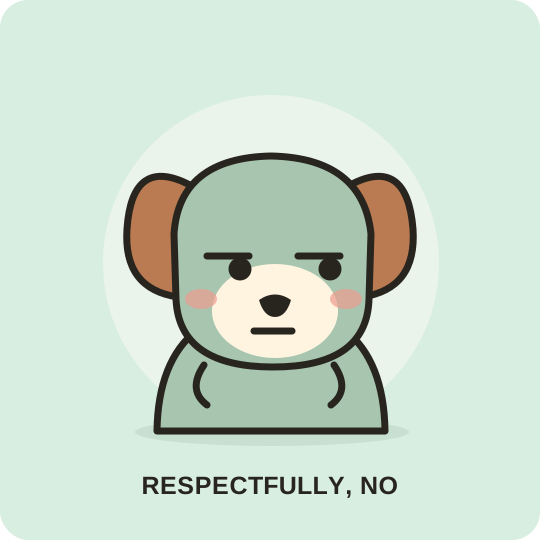
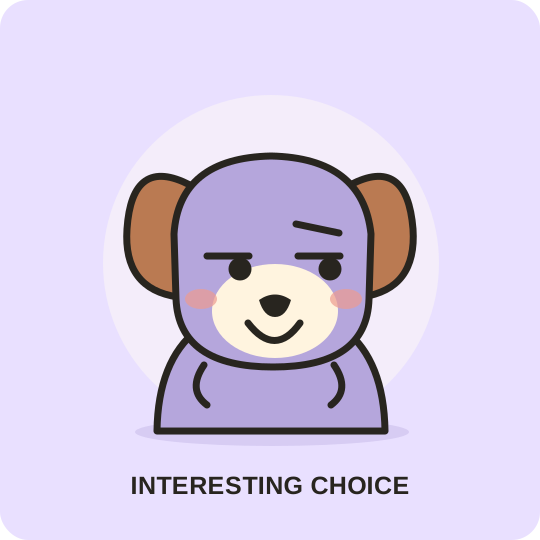
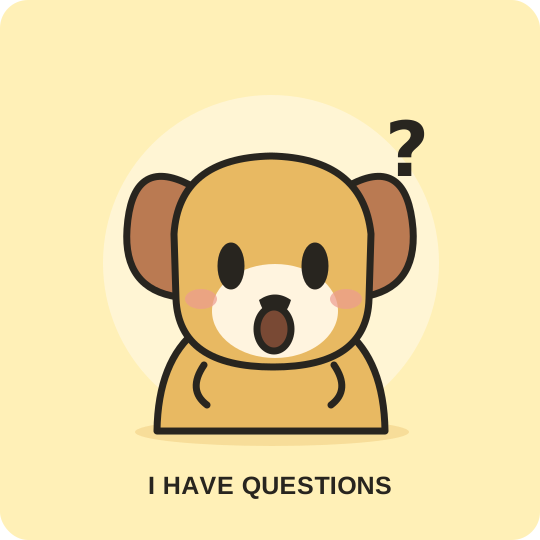
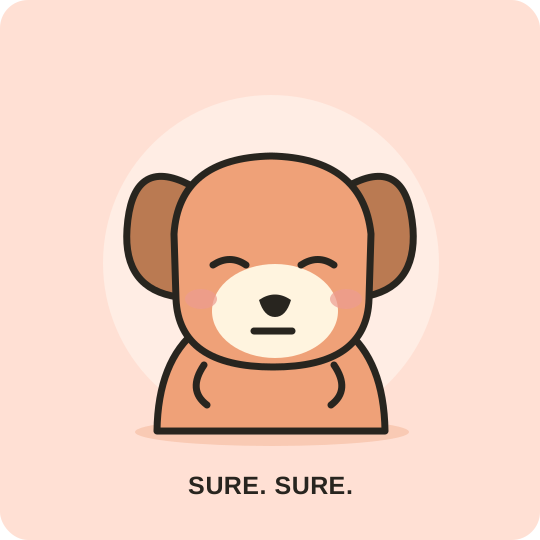
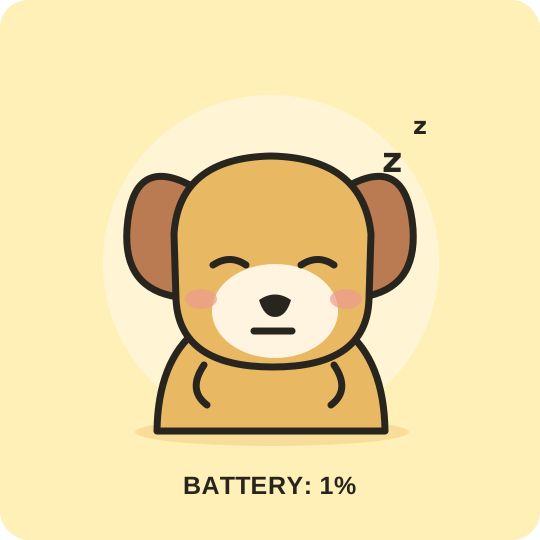
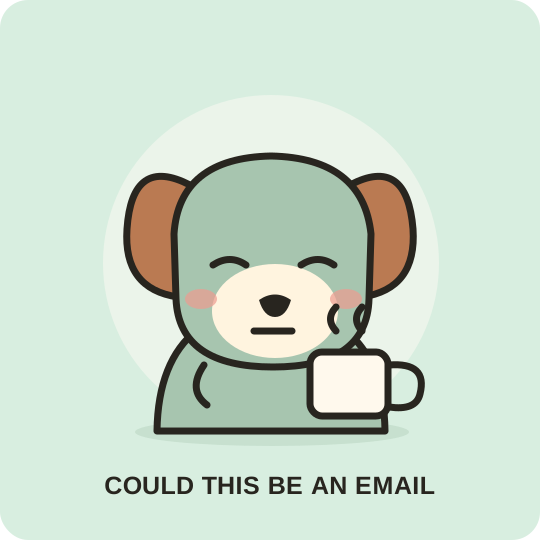
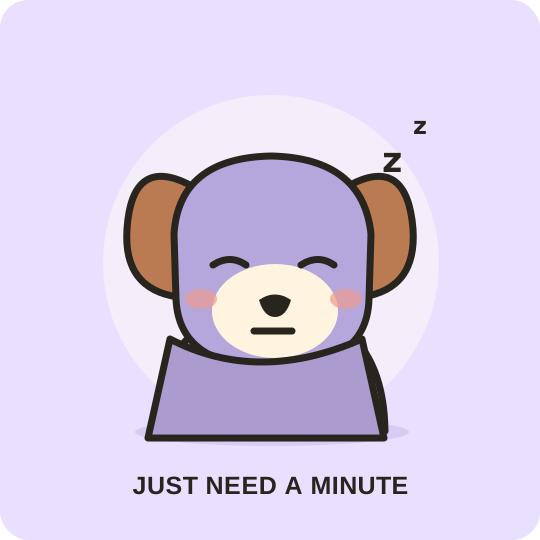
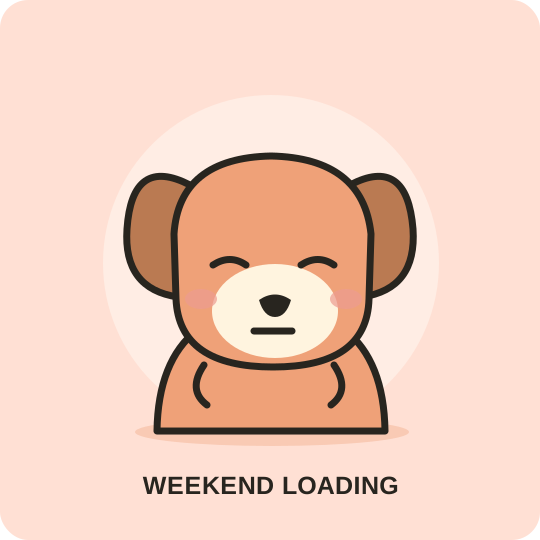
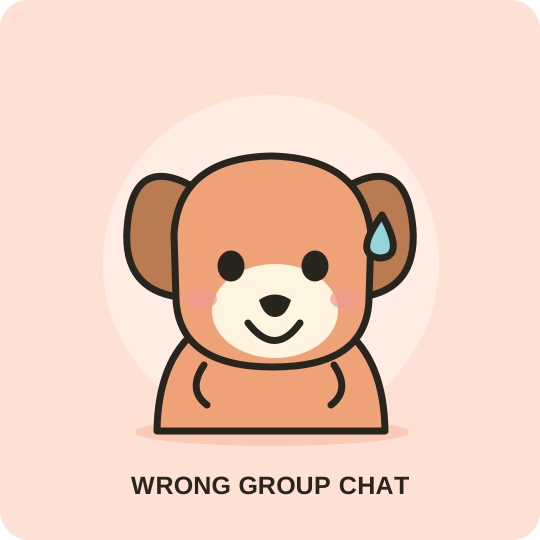
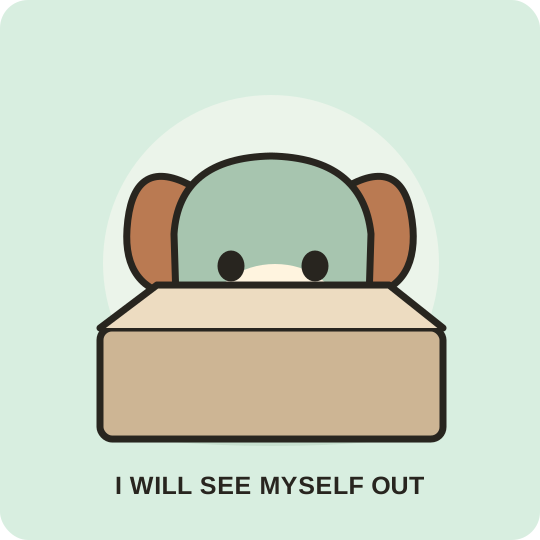
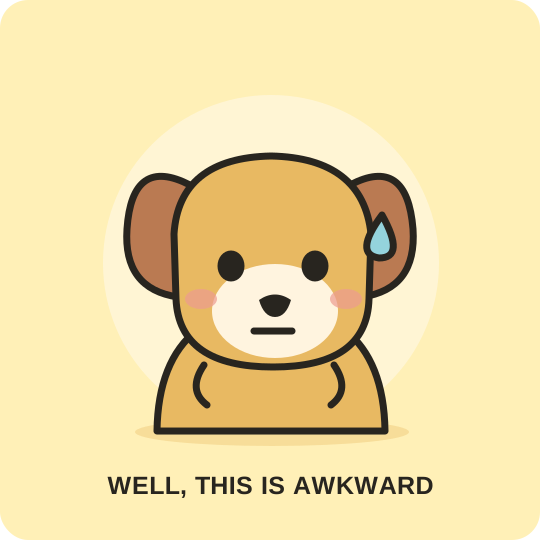
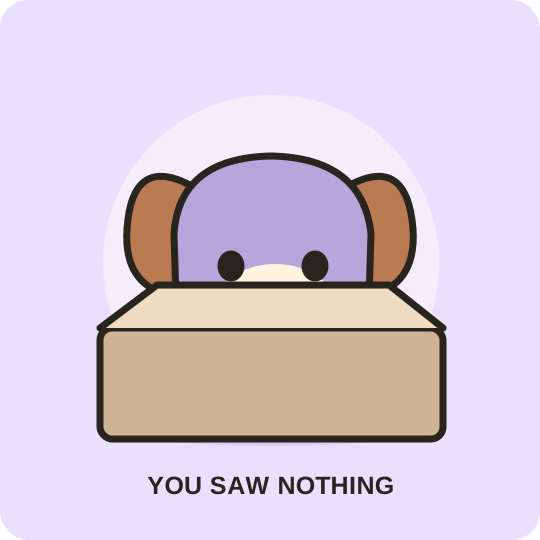
No reactions here yet.
Try a simpler feeling, or choose another collection.
01
Find the feeling
Search everyday words like “tired,” “awkward,” or “proud.” Choose a mood when you do not have a meme name in mind.
02
Put it in your words
Keep the original caption or add your own. See the result before exporting a square, high-resolution PNG.
03
Send a little personality
Download your reaction or copy the image where your browser supports it. Save favorites on this device for next time.
Start with a feeling.
Happy reactions ↗
For the little wins, the big news, and the group chat that deserves a tiny celebration.
Shocked reactions ↗
When the plot twist arrives and words take a second to catch up.
Side-eye reactions ↗
A small collection of skeptical looks for claims that need a second glance.
Tired reactions ↗
Low battery, long Monday, and one-more-meeting energy, all in dog form.
Awkward reactions ↗
For the accidental reply-all, the long silence, and the message you cannot unsend.
Support reactions ↗
Little illustrated reminders that someone is listening, cheering, or sending a hug.
A few good questions.
What is ReplyPup?
ReplyPup is a small library of original dog reaction memes. Browse by feeling, edit a caption, and export a PNG for your chats, posts, or presentations.
Are the images free to use?
Yes. The original library illustrations are offered under CC0 1.0, so you can use and adapt them for personal or commercial projects. Read the artwork terms.
Can I find famous memes like Drake or Doge here?
This library focuses on its own dog illustrations rather than copies of film, celebrity, or other artists’ images. Try searching for the feeling you want to express.
Where do my saved reactions and captions go?
Favorites are stored in this browser on this device. Caption edits are kept in the open editor and are not uploaded to a server. Clearing browser storage removes your saved list.
How do I save a reaction on my phone?
Open Add caption and choose Download PNG. Your browser may put it in Downloads or open a save dialog. If Copy image is unavailable, use the downloaded PNG in your messaging app.